What This Blog Covers
Google’s Generative AI performance report in Search Console shows impressions for pages cited inside AI Overviews and AI Mode, broken down by page, country, device, and date. It deliberately withholds clicks, click-through rate, position, and the actual queries that triggered the citation. This piece walks through what the report gives you, what it hides, and how to work around the gap with the data you do have.
Quick Answer: Search Console’s Generative AI performance report shows one metric, impressions, counted when your page appears as a citation inside an AI Overview or AI Mode response, sliced by page, country, device, and date. It does not show clicks, click-through rate, average position, or the specific queries that triggered your citation. This makes it useful for confirming that a page is being cited at all, yet insufficient on its own for understanding whether that citation drives any traffic.
Table of Contents
What Google Actually Added to Search Console
Google introduced a dedicated Generative AI performance report inside Search Console, separate from the standard Performance report, specifically to surface visibility inside AI Overviews and AI Mode. It is a genuine addition; before this, SEO teams had no first-party signal at all into whether their pages were showing up inside these AI-generated answers. The Search Console Help Center documentation for the Generative AI performance report explains how the report works and what data it provides.
The report sits alongside the existing Search performance report rather than replacing it, and it uses the same property-level verification, so no new setup is required beyond having Search Console already connected, the same foundation covered in Search Console’s role in click-through rate work.
What the Report Shows
The core metric is impressions: a count logged whenever your URL appears as a cited or referenced source inside an AI Overview or AI Mode surface. You can slice that impression count by individual page, by country, by device (for the Search view), and across a date range.
This is genuinely useful for a narrow, important question: is my page being surfaced at all, and where. A page with zero AI impressions despite strong traditional rankings is a clear, actionable signal that something in its structure or authority is not translating into AI citation.
What the Report Deliberately Withholds
The report does not show clicks. It does not calculate or display click-through rate, for the obvious reason that CTR needs clicks and it has none. It does not show average position within the AI answer. Most significantly for content strategy, it does not show which specific queries or prompts triggered the citation.
This last omission is the biggest practical limitation. Traditional Search Console lets you match a page to the queries driving its impressions and refine content accordingly. Here, you know a page was cited, not what question it was cited in answer to, which makes it far harder to reverse-engineer what is working.
Why Google Is Likely Holding This Data Back
Google has not published a detailed rationale, however the omissions form a consistent pattern: none of the withheld metrics require Google to reveal anything about how its AI systems construct answers or route traffic. Query-level data would expose the mapping between user intent and citation, something AI Overview’s summarization logic keeps opaque by design.
There is also a plausible technical dimension: a meaningful share of AI-driven visibility may not even route through a trackable click in the way traditional search results do, since some AI surfaces answer the question directly without sending the user anywhere. Reporting impressions without a corresponding click metric may reflect that structural reality as much as a deliberate withholding.
Working Around the Query and Click Gap
Without native query data, the practical workaround is triangulation. Cross-reference which pages show AI-Overview impressions in this report against GA4 landing-page data filtered for AI-referral sources, work that starts with a clean GA4 migration and measurement setup, and manually test likely queries against AI Overviews and AI Mode directly to see which pages get cited for which questions.
This is more manual than SEO teams are used to, however it is currently the only path to approximating query-level insight until Google expands the report further. Converse’s SEO work with Lyxel&Flamingo is a reminder that this kind of manual, triangulated measurement discipline is not new; it is the same rigor that underpinned strong organic performance before AI Overviews existed, now applied to a newer surface. Part of that manual testing is worth running engine by engine rather than treating “AI search” as one bucket, since ChatGPT, Gemini and AI Overviews almost never cite the same source for the same query, which means a page’s impression count in this report can look strong overall while actually being carried by just one engine.
What to Track Alongside This Report
Treat the Generative AI performance report as one input, not a complete picture. Pair it with manual query testing, GA4’s AI-referral segmentation, and your existing traditional Search performance data to build a fuller view. Watch the page-level impression trend over time as your primary signal, since it is the most reliable metric the report currently offers.
The Multi-Metric Framework
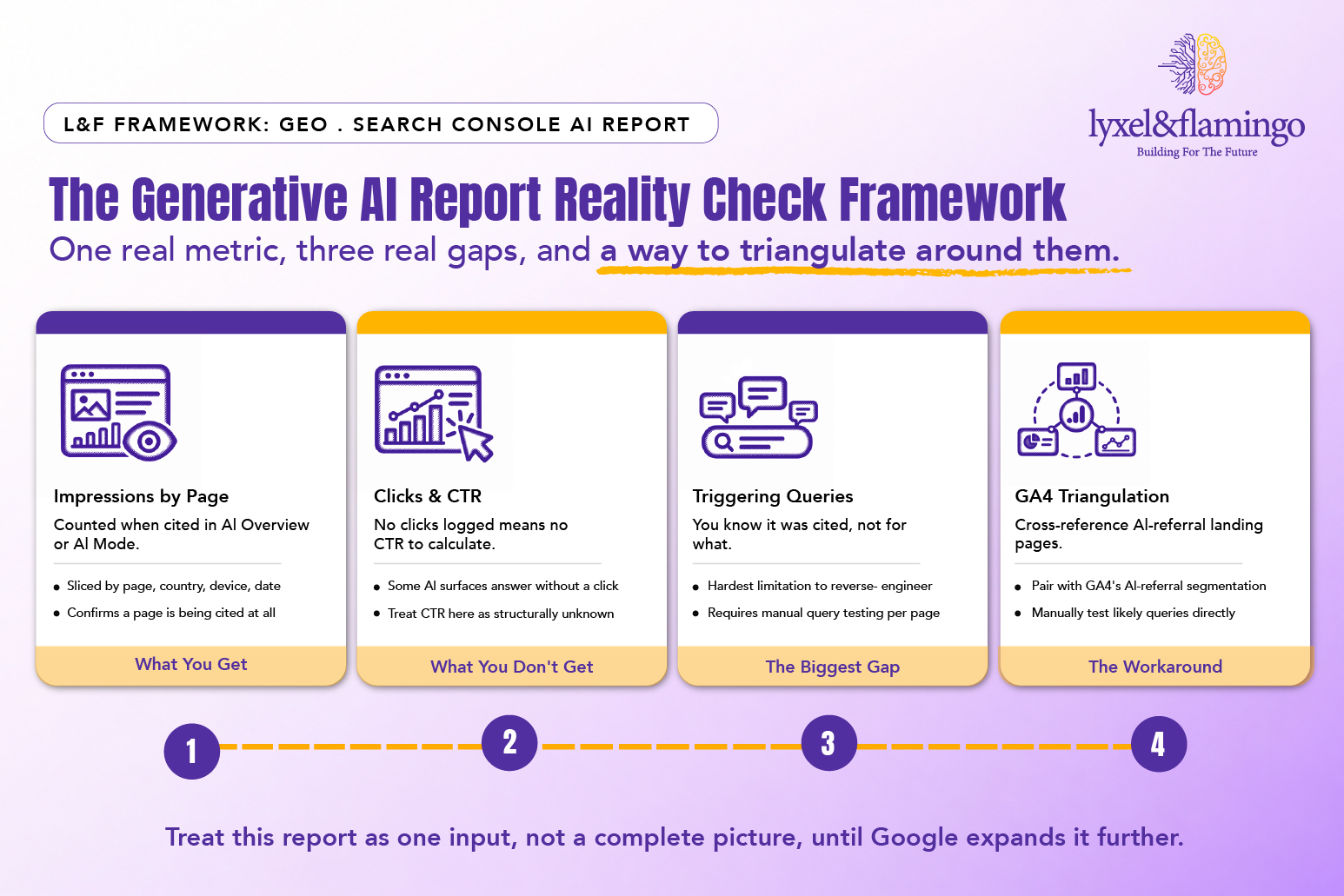
Framework Explained
Trend over snapshot: With only impressions and no CTR, the direction of change over time matters more than any single number.
Triangulate, don’t rely on one source: Combine Search Console AI impressions with GA4 referral data and manual testing rather than treating any single report as complete.
Page-level focus: Since query data is missing, prioritize watching which specific pages gain or lose AI impressions rather than trying to optimize for individual prompts.
Expect the report to evolve: Google has expanded Search Console reports before; treat today’s gaps as current limitations, not permanent ones. Google’s own documentation on AI features in Search is worth bookmarking, since the capability and reporting around it are both still actively changing.
GEO READINESS NOTE This is a platform-capability breakdown rather than a specific client result, since the Generative AI performance report is new enough that most engagements are still building baseline tracking with it. Lyxel&Flamingo’s GA4 and analytics migration work, covered in the agency’s GA4 migration services, is the practical starting point for pairing this Search Console data with a fuller AI-traffic picture.
Key Takeaways
- Search Console’s Generative AI performance report shows impressions by page, country, device, and date for AI Overview and AI Mode citations.
- It withholds clicks, click-through rate, average position, and the specific queries that triggered a citation.
- The missing query data is the biggest practical limitation, and currently requires manual testing to work around.
- Pairing this report with GA4 AI-referral tracking gives a fuller, though still incomplete, picture of AI-search performance.
CXO Takeaway
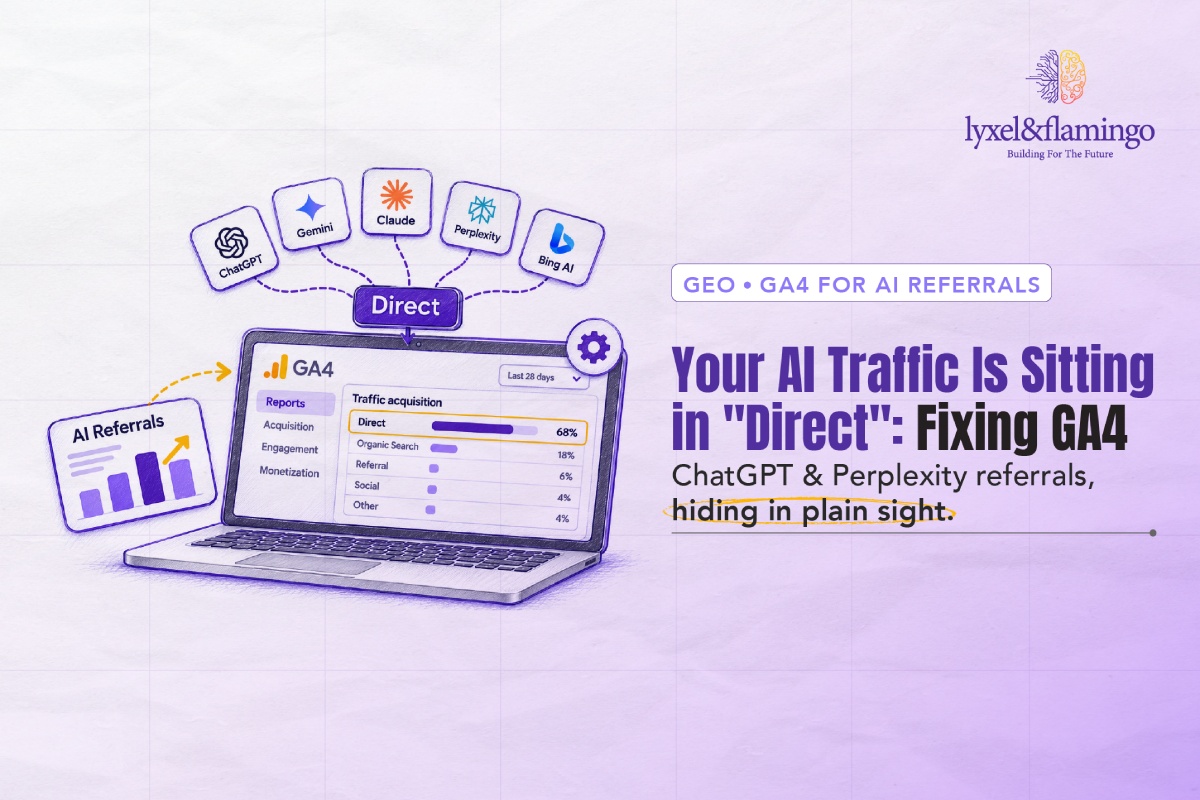
Is your team treating this new report as the whole picture, or as the first piece of a bigger measurement puzzle it actually is? Getting AI-search measurement right requires stitching Search Console, GA4, and manual testing together, not waiting for Google to hand over a complete dashboard. Fixing GA4 so AI referral traffic stops hiding in Direct is the natural next step once this report’s impression data is in hand. Lyxel&Flamingo’s GA4 migration and analytics team can help build that fuller measurement layer now.
Frequently Asked Questions
No, it sits alongside it. The standard report still covers traditional organic search clicks, impressions, CTR, and position; the new report is specific to AI Overview and AI Mode citation impressions.
Not through this report directly. You will need to manually test likely queries against AI Overviews and AI Mode and note which of your pages get cited.
Google has not given a full explanation. A meaningful share of AI-answer interactions may not generate a trackable click at all, since the AI surface can answer the question without sending the user to the page.
Availability has been rolling out property by property since launch; check your own property’s report list directly, since exact rollout timing can vary.