


October 13, 2026
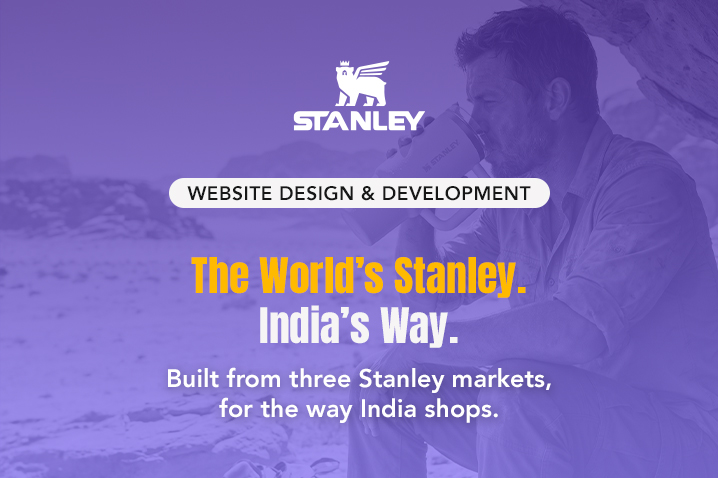
Stanley



 Scroll Down to explore more
 Scroll Down to explore more
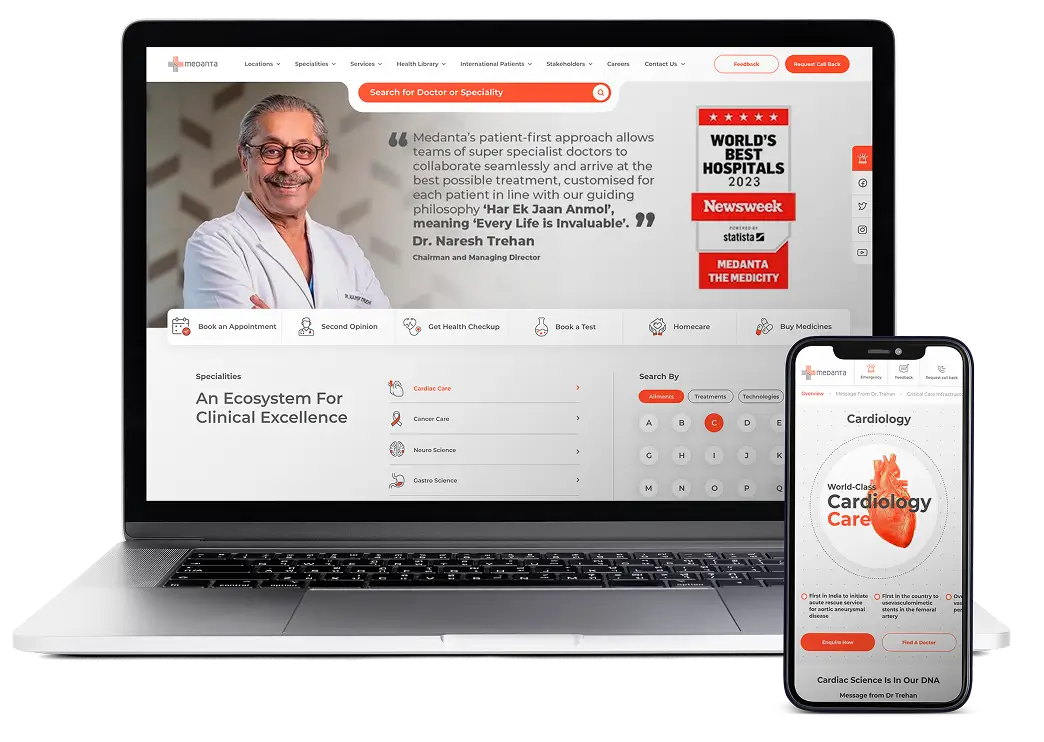

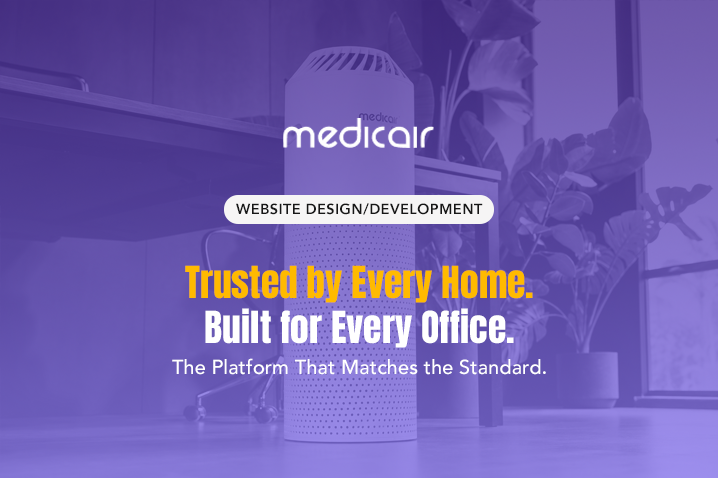
Over 350+ brands across healthcare, global QSR, enterprise B2B, D2C ecommerce, financial services, and hospitality have built and scaled their digital products with Lyxel&Flamingo, including Medanta, Taco Bell, Subway, and Medicair among many others. Not because we are the largest agency in the room, but because we operate as a single integrated practice rather than a studio that hands off to a growth team that hands off to an analytics vendor who has never seen the original brief.
Strategy, design, and engineering work as one team from day one. The person who wrote the brief is in the room when the tech stack is chosen. The designer building the UX flow knows what the developer will need to make it real. The commercial objective doesn't get lost in the handoff, because there is no handoff.
12+ years and over 350 live digital products across industries, from consumer ecommerce brands processing thousands of daily transactions to enterprise B2B platforms coordinating complex multi-user operations across regions. Not case studies written to impress. Work that is live, measured, and performing.
A website that converts acquisition traffic but loses the customer at onboarding isn't a success. It's a leaky bucket with flattering top-line metrics. We engineer the full commercial journey: from the first organic search result a user ever sees to the moment they become a customer who doesn't think twice before returning.
There is no default stack and no templated brief at Lyxel&Flamingo. Every engagement begins with what the business needs to be true in three years, then works backward to determine what we build today. The stack follows the objective. The architecture follows the growth curve. Not the other way around.

The right tool is not the newest tool. It is the one that solves the specific problem without creating three new problems six months from now. No-code website development when speed to market is the binding constraint. Full-scale custom web application development when business complexity demands it. The technology follows the objective, every time, without exception.






It’s great working with your agency, the team is always supportive and cooperative with us. It's been more than 3 years since ... read more


Our association with Lyxel&Flamingo began after we witnessed their website development work for Taco Bell India. As a digita ... read more

Meeting intangible customer service expectations is always a challenge, and showing differentiation in the market was the primar ... read more

The biggest reason why we are fond of working with the Lyxel&Flamingo team is because they never abandon our requirements, a ... read more

Our collaboration with Lyxel&Flamingo has always been an exciting journey. The range of their capabilities is very extensive ... read more

It’s been a great experience working with Lyxel&Flamingo. The briefs and queries have been noted with utmost care and deli ... read more

Lyxel&Flamingo team takes up each task as an internal project. They work with the utmost detail and perfection, with complet ... read more
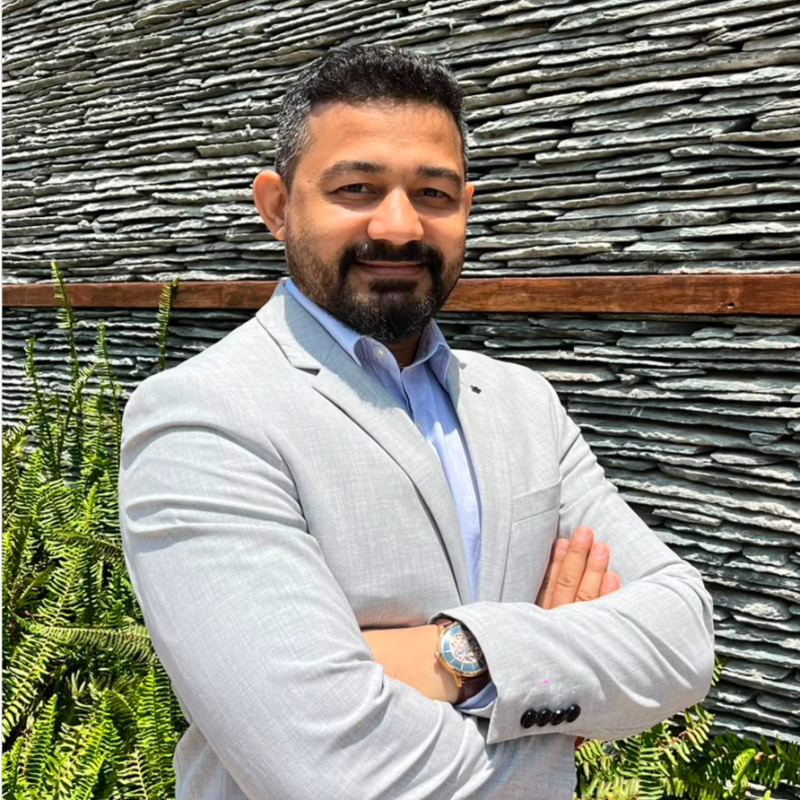
I Would Like To Thank And Appreciate The Lyxel&Flamingo Team For The Extended Support They Offer To Maintain Our Website. Th ... read more


Working with the Lyxel&Flamingo team to develop our website was an exceptional experience. Their expertise and dedication sh ... read more

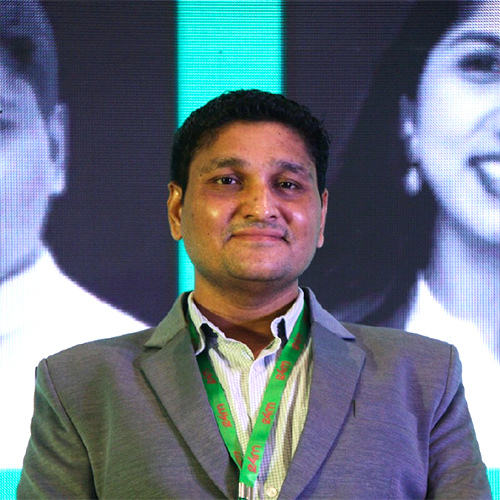
It’s great working with your agency, the team is always supportive and cooperative with us. It's been more than 3 years since we are working with Lyxel&Flamingo, and are always on top of everything.
Our association with Lyxel&Flamingo began after we witnessed their website development work for Taco Bell India. As a digital marketing company with expertise in web solutions, we brought them onboard to help us design and develop the website for Taco Bell Australia. Now, as our global partners, they’ll be responsible for the design and development of websites for us across other international markets, including Japan, Netherlands, Indonesia, Malaysia, and Kuwait. I must commend them for their strong understanding of both design and technology, as well as their rock-solid work ethics and readiness to go the extra mile to deliver great quality work each time. It’s just the beginning of what seems like a long and mutually rewarding journey together.
Meeting intangible customer service expectations is always a challenge, and showing differentiation in the market was the primary requirement. It was not easy to develop an app fine-tuned to our complex business needs. We demanded an app with high-end functionality and simple usage, and the best digital marketing agency Lyxel&Flamingo, made it happen. The developers at Lyxel&Flamingo have not only showcased their in-depth understanding of the app development process and their versatility in designing apps for different platforms (Android and iOS) but have also played the role of consultative partner. It's not only the end product and result that have impressed us but also the communication, support, and maintenance services. Given the chance, we will gladly recommend Lyxel&Flamingo and partner with them again in the future.
The biggest reason why we are fond of working with the Lyxel&Flamingo team is because they never abandon our requirements, and don’t give up until we are satisfied with the results. Their sense of responsibility cannot be replaced. We recommend L&F to all corporations; they will never fail your projects.
Our collaboration with Lyxel&Flamingo has always been an exciting journey. The range of their capabilities is very extensive, and hence they help our organization in multiple fronts, like web design and development, creatives design, performance marketing, and many more. All in all, the combination of the strong knowledge of the people along with the friendliness in our communications makes L&F the ideal agency to work with!
It’s been a great experience working with Lyxel&Flamingo. The briefs and queries have been noted with utmost care and delivered with high proficiency. I appreciate the constant availability of the team and their sincerity toward the deliverables.
Lyxel&Flamingo team takes up each task as an internal project. They work with the utmost detail and perfection, with complete professionalism. Every work, communication, and piece of information is meticulously documented at each stage. The team was in touch with us regularly for any updates on the work activity and went the extra mile to complete a few other tasks that weren't part of the project. They are professionals with whom you want to work.
I Would Like To Thank And Appreciate The Lyxel&Flamingo Team For The Extended Support They Offer To Maintain Our Website. Their Team Treats Every Task Assigned Professionally. They Conduct A Proper Discussion For Every Task To Ensure Future Benefits. Lyxel&Flamingo Team Is Very Focused And Sincere In Their Work And Can Easily Understand The Client's Requirements; Even In Cases Of Urgency, Their Team Is Always Available. Each Task Is Accomplished With Utmost Professionalism And Sincerity.
Working with the Lyxel&Flamingo team to develop our website was an exceptional experience. Their expertise and dedication shone through every step of the process, resulting in an outstanding website that exceeded our expectations. From the initial conceptualization to the final execution, their attention to detail and commitment to excellence was evident. Their professionalism and clear communication made the entire journey seamless and enjoyable. We couldn't be happier with the end result and would highly recommend the Lyxel&Flamingo team to anyone in need of top-notch web development services.
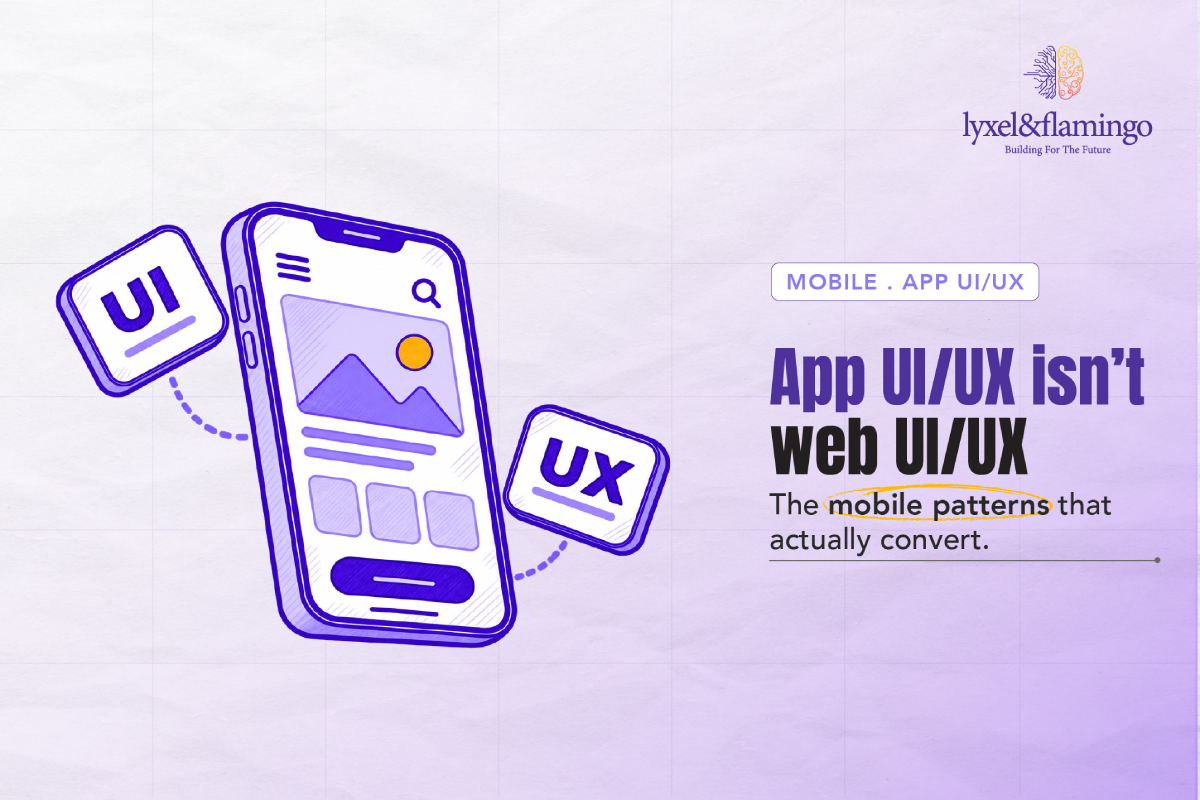
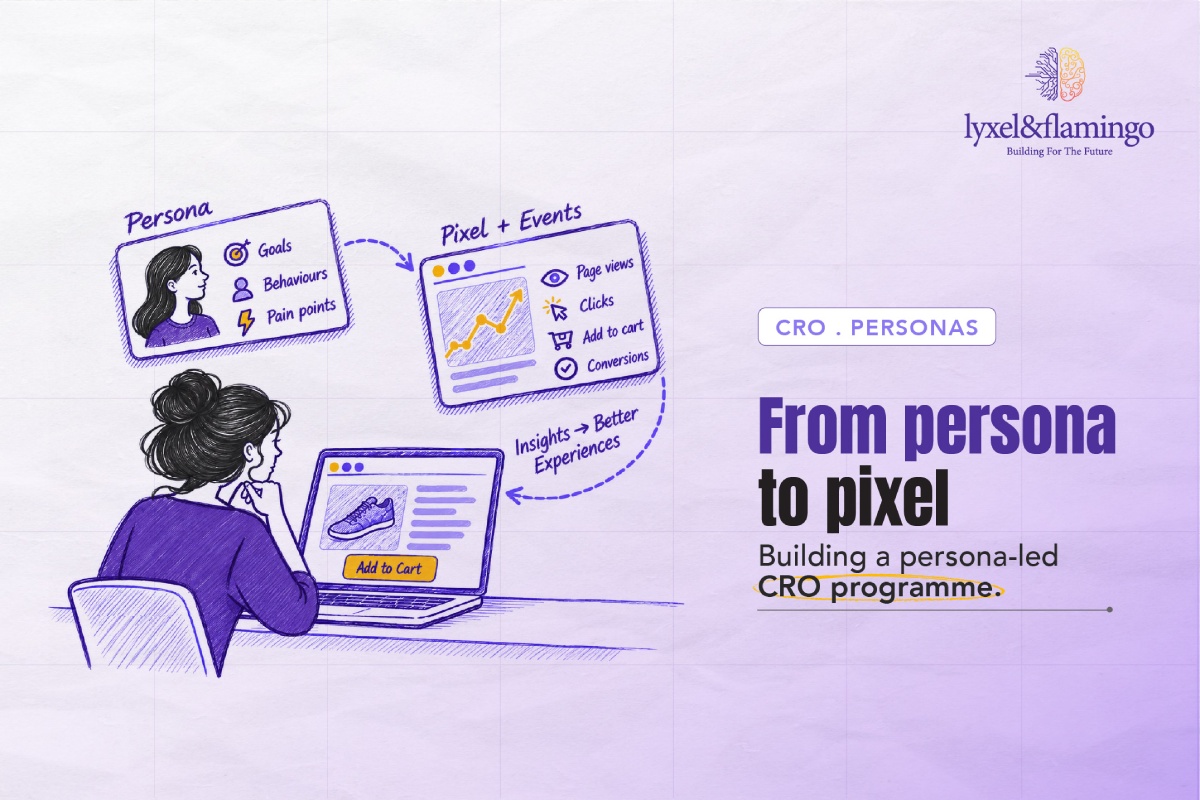


A web development company typically covers UX and UI design, front-end and back-end development, e-commerce builds, integrations, SEO foundations, analytics, testing and ongoing maintenance.
UX design shapes the journey, structure and logic of a site. UI design is the visual layer, covering layout, typography and interaction states. Together, they decide whether visitors trust and act.
Site architecture, loading performance, and internal linking are much easier to build in from the start than to retrofit later. Planning search visibility early helps a site earn traffic from launch.
Common choices include Shopify, WooCommerce, Laravel and React, with headless architecture for flexibility. The right stack depends on traffic, catalogue size, integrations and growth plans.
Low-code and no-code platforms use visual builders and pre-built components to build with minimal hand-written code. They suit projects where a quick go-live is more important than deep customisation.
Conversion rate optimisation uses behavioural data, funnel analysis and A/B testing to find where trust breaks, then fixes it. More of your existing traffic becomes customers.
A focused brand site can take a few weeks, while complex e-commerce or enterprise platforms often take several months. Scope, integrations and approvals shape the final timeline.
A microsite is a small, focused site built for one campaign, product or audience. A full website serves as the brand’s main digital home, covering all its services, content and journeys.
Lyxel&Flamingo is a website development company that treats every build as a commercial problem rather than a design exercise. With 12+ years of experience and over 350 brands served, including Medanta, Subway, Medicair and Taco Bell, our website development services bring strategy, design and engineering together in one team. The person who writes the project brief is in the room when the tech stack is chosen, so every insight carries through to the build.
Every brand starting a new project eventually lands on the same question: Which company is best for web designing?
The right answer depends on your goals, platform and market. A website development company worth considering shows measurable results, keeps one team accountable for both design and code, and has a portfolio in your sector. The best web development agency plans for search, performance and conversion before it designs the first screen.
Brands comparing agencies across the country often want to know: Which is the best web design company in India?
Proof of results matters more than promises. As a website development agency in India, we work from Delhi NCR (Gurugram), Mumbai, Bangalore and Dubai, supporting brands across healthcare, QSR, D2C e-commerce, financial services and hospitality. Our 4.4/5 Google rating is one signal of how clients experience that delivery. Brands choose us as a web design and development company in India for first launches and replatforms alike. Our Gurugram studio also provides website design services in Delhi for teams who prefer to collaborate in person.
Before any shortlist exists, the real puzzle is usually: How to find a website design agency?
Start with relevant case studies, then read client testimonials and ask who will actually work on your project. Request a clear process covering UX research, UI design, development, SEO and analytics. A web design and development agency that is open about timelines, tools and tracking is far easier to trust.
For e-commerce brands, the first question is usually: What is web development in e-commerce?
It covers the storefront, product architecture, checkout, integrations and search performance that turn browsing into buying. As a Shopify website development company, we build every Shopify e-commerce website to scale, from theme customisation to Shopify Plus and headless setups. Our e-commerce website development also spans WooCommerce, Laravel and custom stacks.
Complex B2B platforms need a different approach. As a web application development agency, we deliver custom web development services in Laravel and React, and turn to no-code platforms where a fast launch matters most.
Once the scope takes shape, the budget enters the conversation: How much does website optimisation cost?
It depends on the size of the site, its current speed and tracking health, your platform, and whether you need a one-off fix or ongoing work. Our website development services begin with an audit of your current performance and tracking setup, then recommend an optimisation scope that fits your needs.
Speak to a website development company that measures success in conversions over launch dates. Share your brief with the Lyxel&Flamingo team, and we will map out the right strategy, stack, and timeline to achieve your goals. Contact us today to get started.